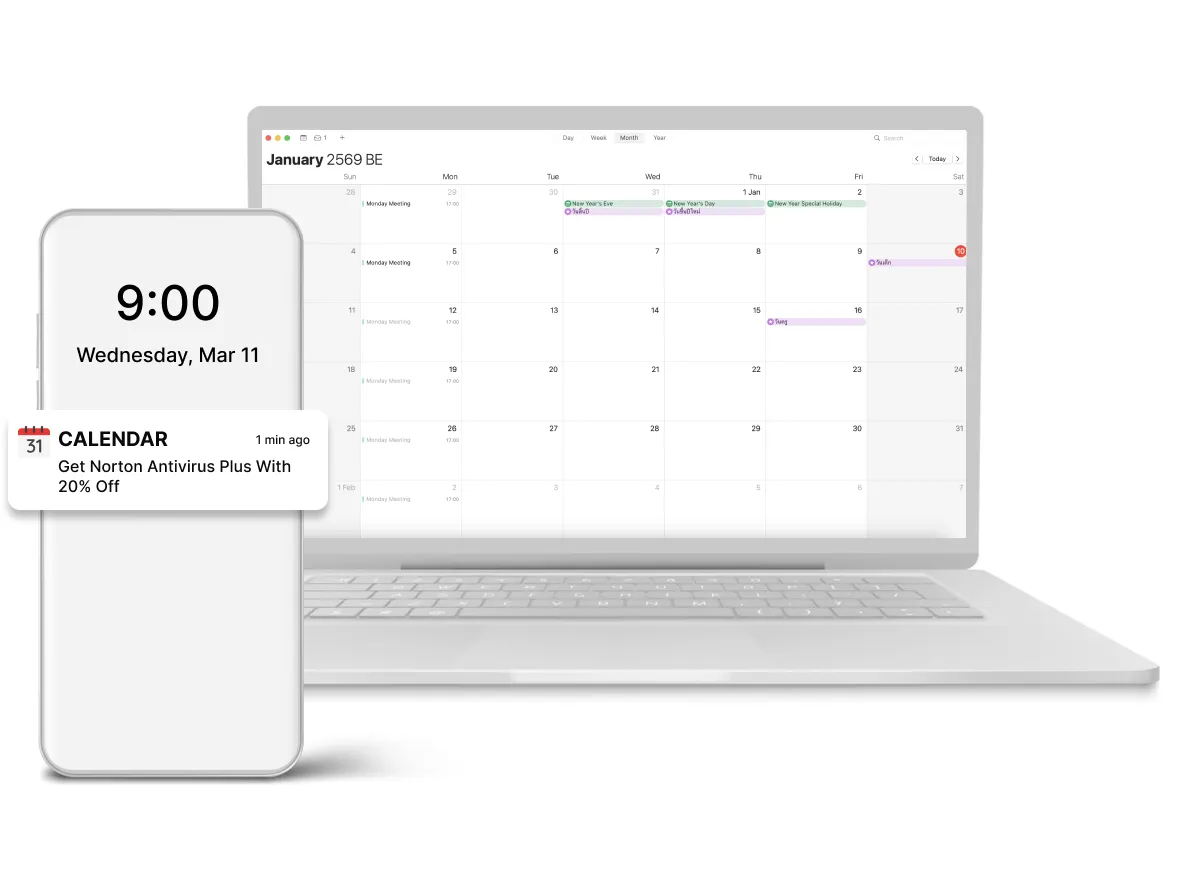
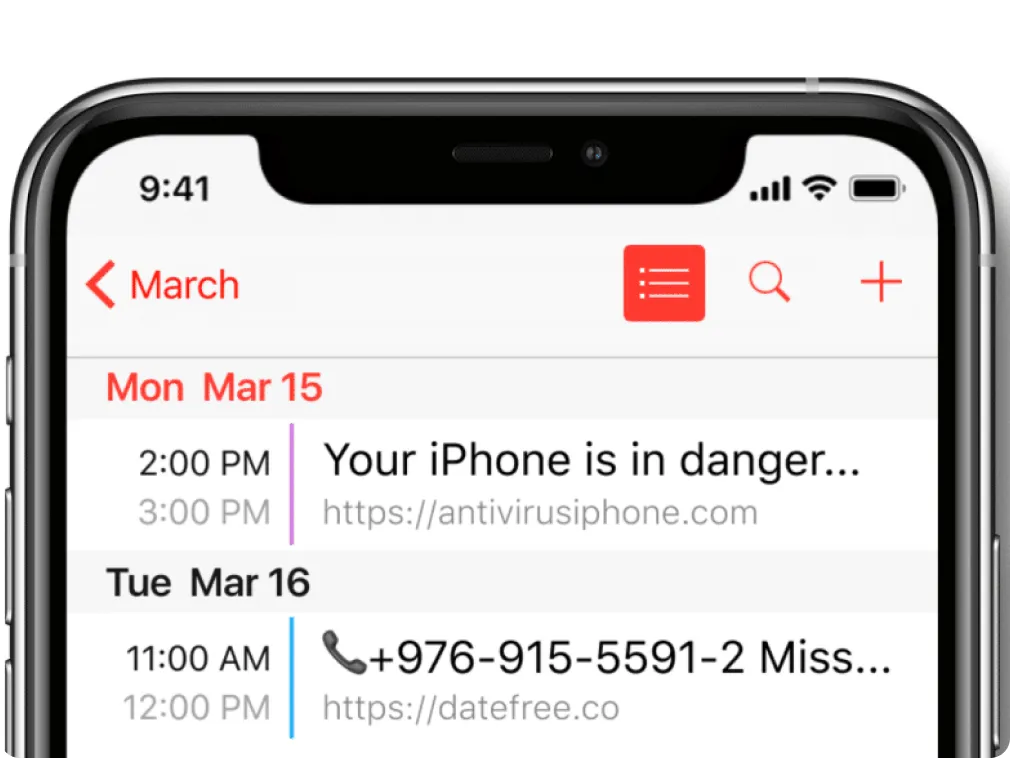
To see your ads, a user must subscribe to receive notifications themselves and can unsubscribe at any time. It is the same principle as for web push traffic. After the opt-in, users see your ad as a scheduled event in a calendar. Also, they can receive alerts about it from the Calendar app on their desktop.
How Calendar Push Ads Look Like. The image is the main visual difference between web push and calendar push ads. In both desktop and mobile devices, calendar notification ads have no icon or main image. What do advertisers bet on in this case?
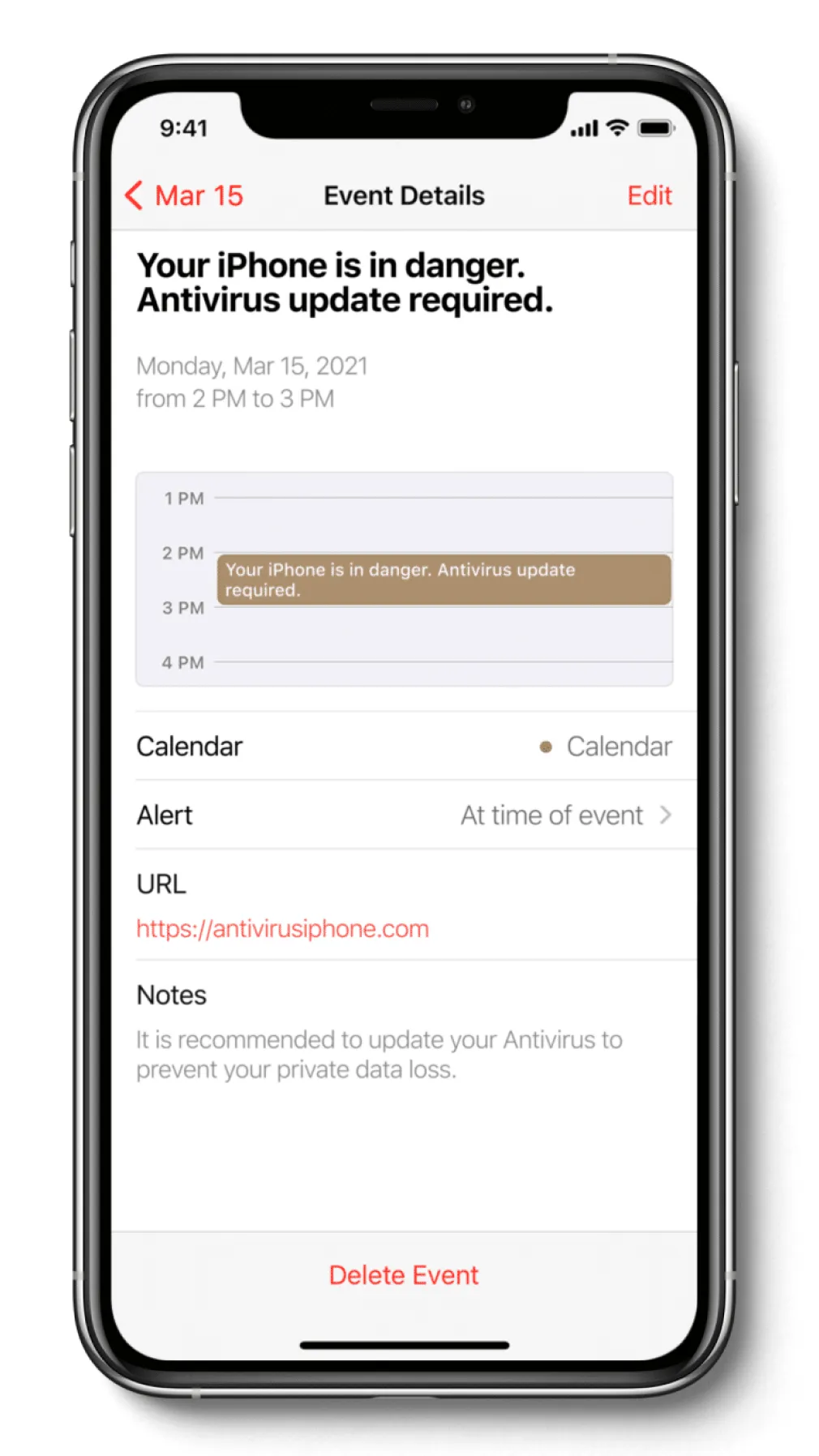
Title. It is the main component to attract attention and the most important part of your campaign. The title is what the user sees first in their calendar and reminders. It needs to be catchy and promising to lure a user. We recommend testing different angles of titles (not less than 5) for maximum conversion.
URL. Do not forget to paste a link to your landing page. It can be found in the description of the calendar push ad. As a landing page is the second important thing to attract customers attention, use the best practices for landing pages.
Text. A short ad copy is displayed in the Notes of the event. Here you can attract users with some special bonuses or describe more what your offer is about.