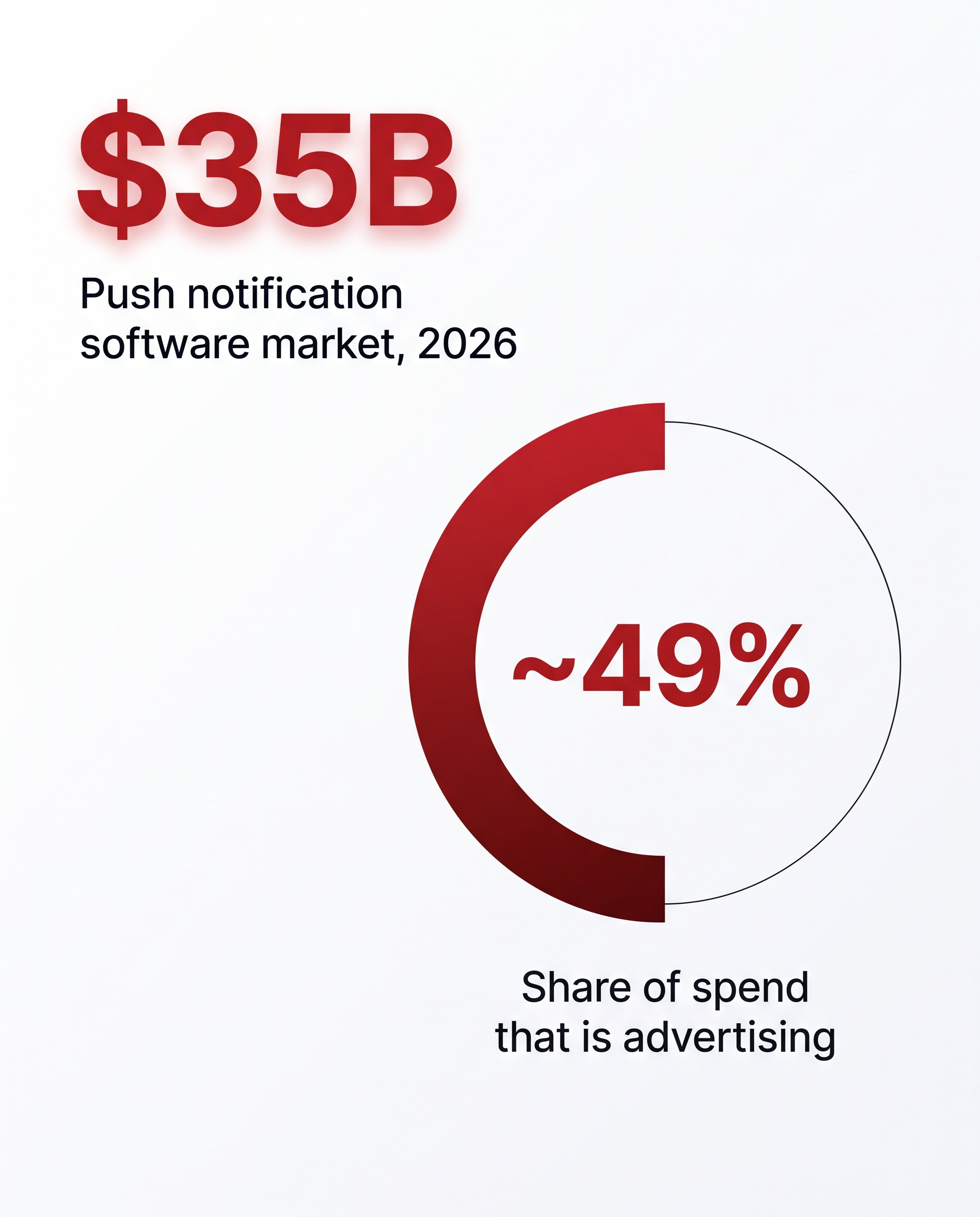
The push notification software market is valued at roughly $1.83 billion in 2026 (up from $1.58 billion in 2025), and is projected to reach $3.78 billion by 2031 at a 15.61% CAGR, according to Mordor Intelligence.
That scale rests on a deceptively simple unit: a structured message that lands in a device's notification tray, no app install required.This guide from the TrafficSigma team breaks down exactly what a push notification ad is made of, field by field. For buying strategy and scaling tactics, read the 9 Best Push Notification Ad Networks for Affiliates in 2026 - this page stays narrowly on the anatomy.
What is a push notification?
A push notification is a message a browser or OS delivers to a user's device on behalf of a website the user previously opted into, without that site being open. On the web, this runs on the W3C Push API: a site requests permission once, the browser registers a subscription endpoint, and future messages render in the OS or browser's own notification UI, not the website's code. A push notification ad uses the same mechanism commercially - an advertiser or ad network sends the message instead of the site the user subscribed on. The anatomy is identical; only who's sending it changes.
The anatomy of a push notification ad
Every push notification ad, regardless of network or vertical, is built from the same six fields. Character limits and icon/image sizes below are approximate and platform-dependent - they come from observed OS/browser UI behavior rather than a published spec, so always test your actual creative on your target platforms before finalizing copy:
- Icon: small square brand image, typically 192×192px (48×48px minimum) - the only element guaranteed to display everywhere.
- Title: bolded headline, roughly 40-50 characters before most combinations truncate it with an ellipsis.
- Body: supporting line, roughly 80-120 characters depending on OS - Windows 11 Chrome allows ~141, macOS Firefox closer to 120.
- CTA button(s): up to two optional buttons (e.g., "Shop Now") with their own click destination. Chrome is the primary renderer; others fall back to a single click-through.
- Large image (optional): a wider banner inside the notification, chiefly on Chrome - giving the creative a "mini display ad" look.
- Landing URL: the destination the notification (or CTA button) opens on click.
If a creative renders oddly, it's almost always because one of these six fields exceeded its platform's real limit - not because the format is broken.
Launch push campaigns from $0.005 CPC with TrafficSigma!How the format differs by OS and browser
Push notification ads are not one universal creative. One major platform doesn't support the classic version at all. The character limits in the table below are approximate, observed behavior rather than a documented spec, and can shift with OS/browser updates - test on your actual target platforms rather than treating these as fixed.
| Platform | CTA buttons? | Large image? | Title / body limit (approx.) | Notes |
|---|---|---|---|---|
| Chrome (Windows 11) | Yes | Yes | ~70 / ~141 chars | Most feature-complete rendering |
| Edge (Windows, Chromium) | Yes | Yes | Similar to Chrome | Shares Chromium's engine |
| Firefox (Windows) | No | No | ~49 / ~200 chars | Title + body + single click-through only |
| Chrome (macOS) | No | Limited | ~43 / ~86 chars | macOS Notification Center overrides buttons |
| Chrome (Android) | Yes | Yes | Similar to desktop Chrome | System tray, alongside native app alerts - highest-engagement surface |
| Safari (macOS) | No | No | Native macOS style | Standard web push supported |
| Safari (iOS) | Not supported | N/A | N/A | Classic web push doesn't work in Safari on iOS. Since iOS 16.4, push only works for a site added to the Home Screen as an installed web app. Plan a non-push fallback for iOS traffic. |
Practical takeaway: build the base creative for the lowest common denominator (title + body + icon, no image, no button, ~45/85 characters), then let Chrome/Edge/Android show the fuller version automatically.
Push notification advertising examples by field length
Compact / universal-safe (renders everywhere, including Firefox and Safari desktop): Title "3 Free Spins Are Waiting For You Right Now" (44 chars) + Body "Claim yours before midnight. No deposit needed to start playing." (67 chars). Icon only, no CTA button, single click-through.
Full Chrome/Android (with CTA button and image): Title "Your Deposit Match Bonus Just Doubled Today" (45 chars) + Body "New players get 100% up to $200 plus 50 free spins on top slots. Offer expires in 24 hours." (94 chars). CTA button "Claim Bonus", icon + banner image, separate click destination on the button vs. the body.
Both front-load the offer into the title and keep the body to one concrete detail - never relying on the CTA button or image being present, since on roughly half of real-world traffic they won't be.
From anatomy to a working campaign
Which of a push notification ad's six fields actually render depends entirely on the visitor's OS and browser, and iOS Safari doesn't support the classic format at all - so design for the lowest common denominator and let richer platforms show the fuller version automatically.
Getting the anatomy right is step one; targeting the right GEOs, OS mix, and bid strategy is what turns a well-formatted creative into a profitable campaign, covered in TrafficSigma's 9 Best Push Notification Ad Networks for Affiliates in 2026. TrafficSigma's inventory spans 248+ GEOs with granular device, OS, and carrier targeting, so you can route Chrome/Android-eligible traffic to richer creative and fall back to compact copy everywhere else.