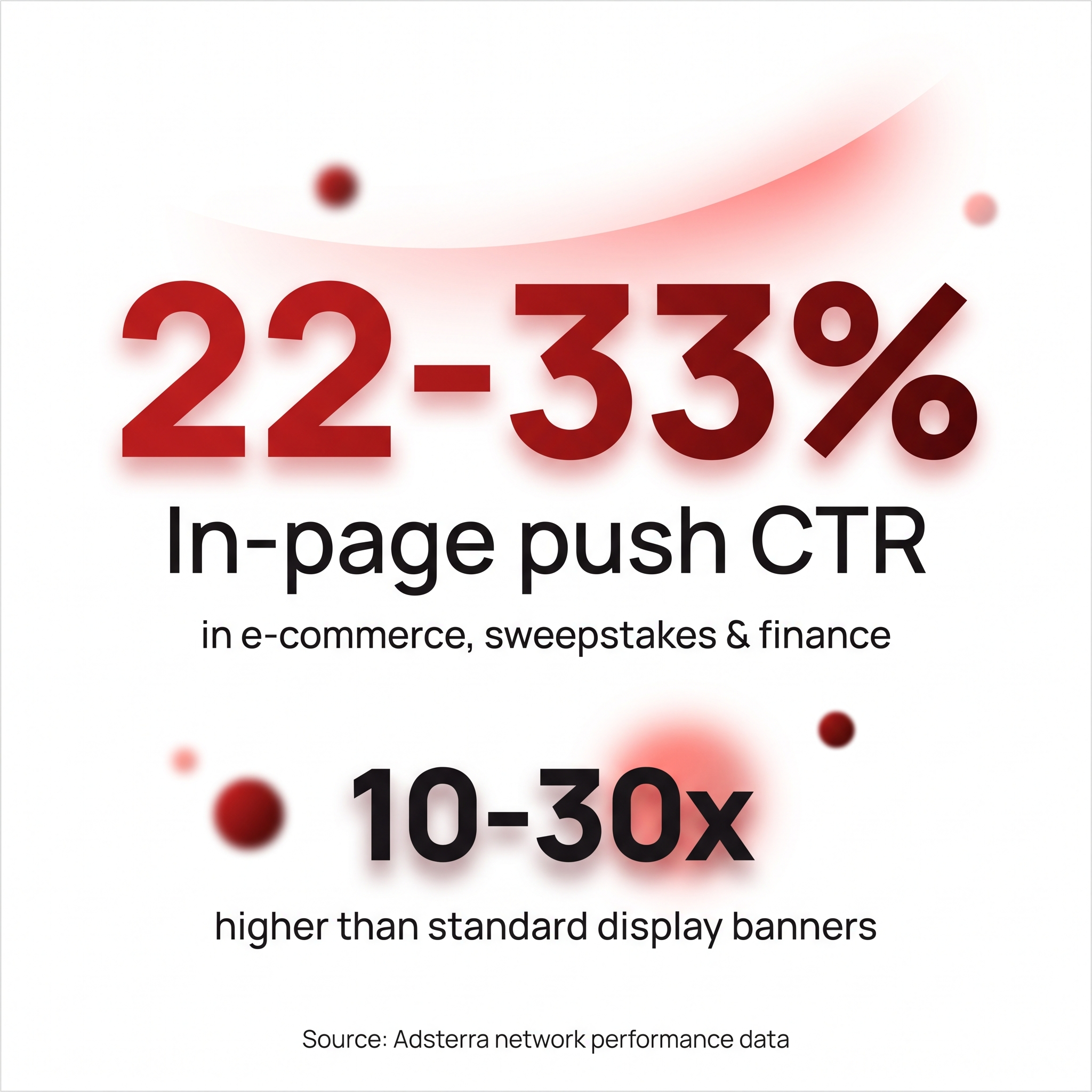
In-page push ads generate CTRs as high as 22-33% in verticals like e-commerce, sweepstakes, and finance - roughly 10-30x what classic web push notifications pull, per Adsterra network performance data.
That gap exists because the format borrows the exact visual language of a real system notification, then skips the one thing classic push needs to work: a visitor who already opted in.The TrafficSigma team breaks down what in-page push is, how it differs mechanically from classic push notifications, and where each format fits in a 2026 media-buying stack.
The framework: two push formats, one visual language
Both formats fight banner blindness by borrowing the credibility of a system-level alert, but they're built on different technical foundations:
- Classic (web) push notifications are OS-level messages sent through the browser's native Push API. A visitor must click "Allow" on a subscription prompt before anyone can message them. Once subscribed, alerts can land in the device's tray even after the browser is closed.
- In-page push (IPP) isn't a real system notification. It's a widget - HTML/CSS/JS rendered inside the page - styled to look like a native push alert (icon, headline, short body text, close button), anchored to a page corner. No subscription, no permission dialog, no browser API: the "notification" is just markup on the page.
That distinction - opt-in OS notification vs. no-opt-in visual mimic - is what determines reach, cost, and lifespan below. In-page push shows only while the page stays open and can't be re-triggered later; what it trades in persistence, it gets back in reach. With no subscription step, it renders for every visitor on every device, including iOS, where classic web push only fires if the visitor has already installed the site as a home-screen web app - a step almost nobody takes from a paid landing page.
In-page push ads vs. classic push notifications
| Dimension | In-Page Push | Classic Push Notification |
|---|---|---|
| Permission/subscription required? | No - renders on page load, no opt-in | Yes - visitor must click "Allow" on browser prompt |
| Persists after tab/browser closes? | No - tied to the open page | Yes - can land in device tray even when browser is closed |
| iOS / Safari support? | Yes - full support, no install step | Limited - only works if the site is added to the home screen; not supported in a normal Safari tab |
| Typical CTR | Roughly 13-33% by vertical (iGaming ~13.8%, finance ~26%, utility ~33%) | Roughly 0.5-3% - still well above the well-under-1% norm for display banners |
| Typical CPM / pricing | Commonly well under $1 up to $5+ CPM depending on GEO and vertical, also sold CPC/CPA | Comparable or slightly higher CPM on similar inventory, also sold CPC |
| Best use case | iOS reach, cold/anonymous traffic, high-volume landing-page awareness | Re-engaging opted-in subscribers, time-delayed alerts, remarketing on Android/desktop |
In short: in-page push wins on reach (every visitor, every OS, zero opt-in friction); classic push wins on durability (it can reach someone hours after they've left your site). Neither is strictly better - they answer different questions.
Launch push campaigns from $0.005 CPC with TrafficSigma!Where in-page push fits in a media-buying stack
In-page push isn't a replacement for classic push - it covers the gap classic push can't close. Reach for it when the offer needs iOS reach (classic push there requires a home-screen install almost nobody does), when you're buying cold anonymous traffic that needs monetizing on the first pageview, or when you want push-format CTR without first building a subscriber list.
Classic push still earns its place when the campaign needs to reach someone after they've left the site - cart-abandonment nudges or time-delayed remarketing. Most performance-focused media buyers in 2026 run both formats side by side. For the full mechanics of the classic format - subscriber acquisition, pricing models, creative specs - see 9 Best Push Notification Ad Networks for Affiliates in 2026. TrafficSigma supports in-page push natively alongside classic push in the same self-serve dashboard, so testing both against one offer takes a single campaign setup rather than two platforms.
In-page push or classic push: which one you should run
The choice comes down to two questions: does this offer need iOS reach, and does the message need to survive after the visitor closes the tab? In-page push answers the first with a clean yes and the second with a hard no - built for immediate, cross-device engagement on cold traffic, not long-lived remarketing. Classic push is the mirror image: durable and re-triggerable, but Android/desktop-only and dependent on an opt-in list you build first.
For iGaming, finance, sweepstakes, and other high-payout verticals where cold traffic and iOS reach both matter, in-page push belongs in the stack from the first test budget. TrafficSigma runs both formats from one dashboard, with the same GEO, device, and carrier targeting controls.